If you want to install My Darling Club on your Android phone, one of the first things to check is whether your device meets the game’s system requirements. An incompatible Android version can prevent installation or cause the app to crash.
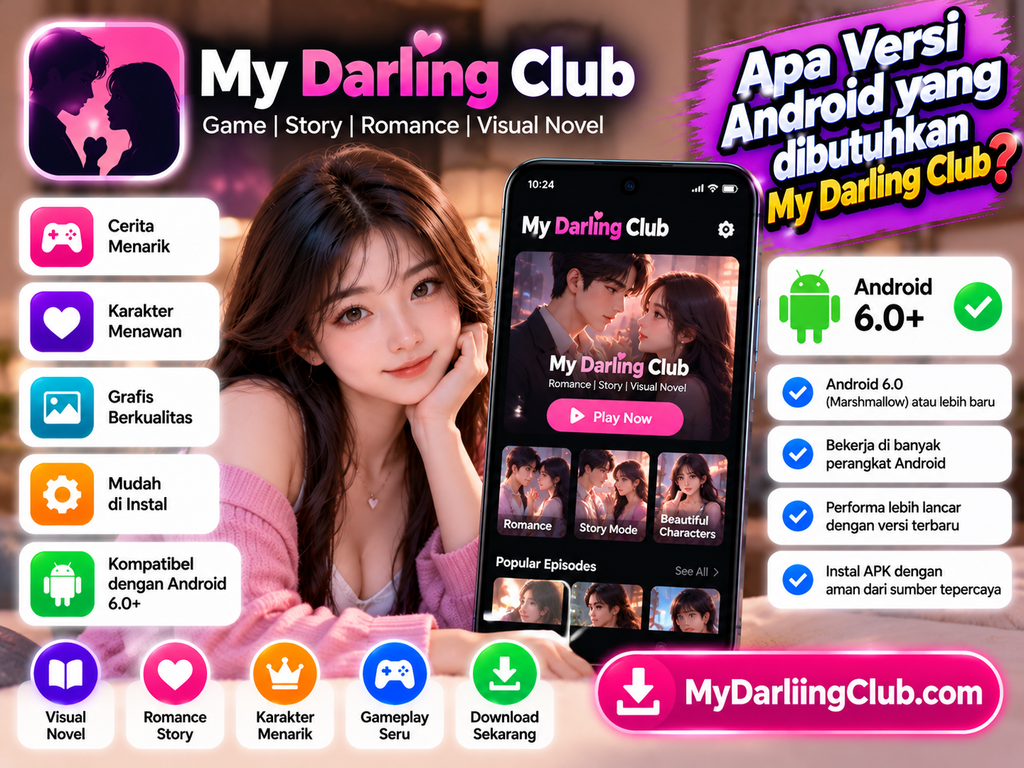
Available listings for My Darling Club generally indicate Android 6.0 (Marshmallow) or later as a minimum requirement. However, requirements can vary between releases and APK sources, so check the specific version you plan to install before downloading it.
This guide explains how to check your Android version, understand compatibility, and troubleshoot common installation problems.
What Is the Minimum Android Version for My Darling Club?
Many available listings specify Android 6.0 or later for My Darling Club. Android 6.0 is also known as Marshmallow.
Keep in mind that this is a reported requirement, not a guarantee that every release will work on every compatible phone.
Before installing, check the minimum Android version stated for the exact APK file you intend to use. Newer releases may introduce additional requirements or compatibility changes.
How to Check Your Android Version
You can find your phone’s Android version in a few simple steps.
Open Settings
Unlock your Android phone and open the Settings app.
Find About Phone
Scroll down and look for About Phone, About Device, or a similar option. The wording may differ by manufacturer.
Check Android Version
Look for Android version to see which version your phone runs.
If your device uses Android 6.0 or later, it may meet the reported minimum requirement. Still, confirm compatibility with the specific release you want to install.
Will My Darling Club Work on Older Android Phones?
It may work on some older phones, provided they meet the APK’s requirements. However, Android version is only one part of compatibility.
Storage Space
Make sure your phone has enough free storage for the APK, installation process, and game data. If installation fails, freeing up space may help.
RAM and Performance
Phones with limited RAM or older processors may experience slow loading, stuttering, or unexpected crashes. Closing unused apps can sometimes improve performance.
App Version Compatibility
An older release may support a device that cannot run a newer release. However, old versions may have bugs or lack current features, so avoid downloading them from untrusted sources.
How to Install My Darling Club on Android
If your device meets the requirements, follow these general steps:
- Find a trustworthy source for the correct My Darling Club APK.
- Download the file and wait for the download to finish.
- Open your Downloads folder using a file manager.
- Tap the APK file and follow the installation instructions.
- If Android requests permission to install apps from that source, review the request before proceeding.
- Open the game after installation and check that it works correctly.
Android requires users to authorize installations from outside trusted app stores. Only grant this permission when you trust the source, and disable it again when you no longer need it.
Keep Google Play Protect enabled to help identify potentially harmful applications.
Common My Darling Club Installation Problems
Even when your Android version is compatible, you may encounter installation issues.
“App Not Installed” Error
Check available storage, confirm the APK download completed, and verify that the file supports your device.
Parse Error
This can happen when the APK is corrupted or incompatible. Downloading the correct file again from a trustworthy source may help.
Game Crashes After Opening
Restart your phone, close background apps, and check whether a compatible release is available. If the problem continues, the APK may not support your device properly.
Security Warning
Do not ignore security warnings automatically. Google Play Protect can scan apps and warn users about potentially harmful software, including apps installed from outside Google Play.
Frequently Asked Questions
Is Android 6.0 enough for My Darling Club?
Android 6.0 is the minimum reported by several listings, but compatibility depends on the specific release and your device.
Can I install My Darling Club on Android 5.0?
A release requiring Android 6.0 or later will not meet the requirements of Android 5.0. Do not assume an older APK will work without checking its documented requirements.
Does a newer Android version guarantee that the game will work?
No. A newer operating system may satisfy the minimum version requirement, but hardware, storage, APK compatibility, and software bugs can still affect performance.
Should I download an older version if the latest one fails?
Only consider an older version from a trustworthy source after checking its compatibility and security. Older releases may lack fixes or no longer work as expected.
Conclusion
My Darling Club generally requires Android 6.0 or later, according to available app listings. Before installing, check your phone’s Android version and confirm the requirements for the exact APK release you plan to use.
For the best experience, maintain enough free storage, use a compatible version, and avoid APK files from suspicious sources. These simple checks can help you avoid common installation problems and enjoy a smoother experience.